
Skip to main content
Once your automatic Appointment Reminders have been enabled, your reminders will begin sending out at the set allocated times. The process to enable them is done by:
- Go to Settings and click on bottom tab Gateway
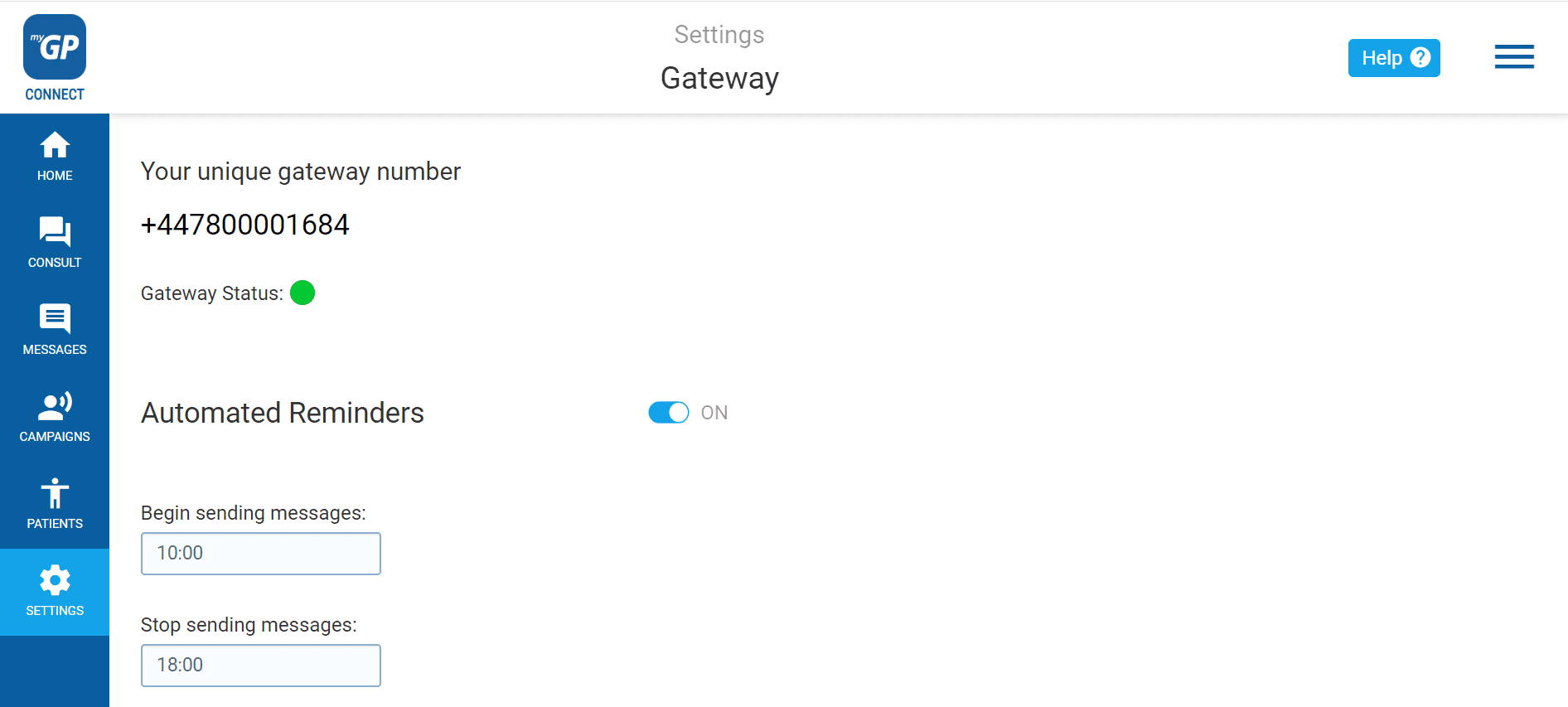
- Go to the Automated Reminders slider and click to ON
TOP TIP: All Appointment Reminders are switched off by default in the system to avoid sending double reminders to patients. Please manage Appointment Reminders in advance of switch-on.